
Organize messy ideas into a clear map
Start with a central idea, then branch into plans, topics, tasks, sources, and next steps you can understand and explain.
Kawn MindMap helps you plan, study, research, write, and present ideas in one visual workspace — with notes, PDFs, documents, images, videos, sources, multilingual writing, and connected thoughts inside your map.
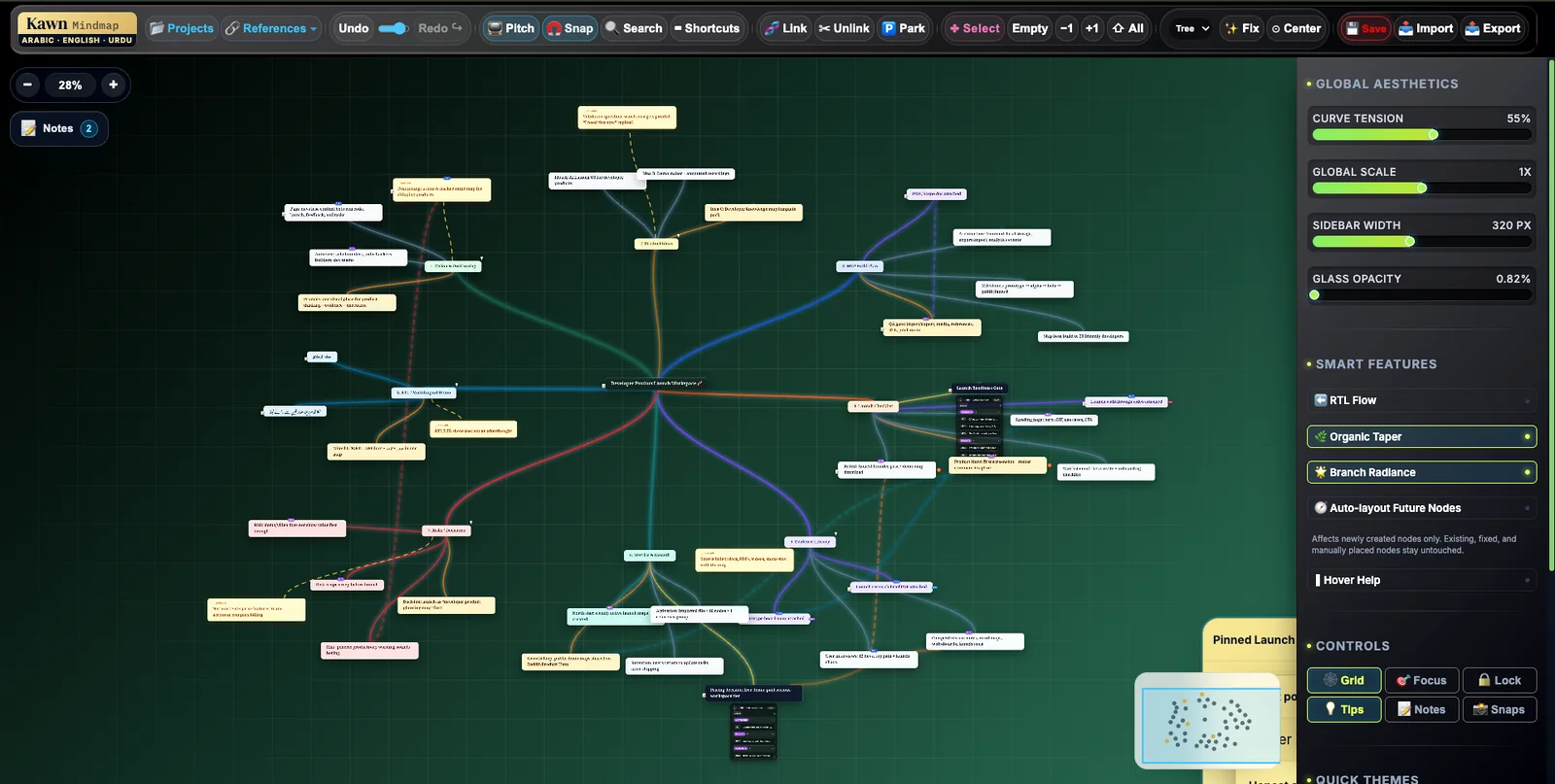
Kawn supports research maps, source-backed ideas, PDFs, notes, multilingual thinking, project planning, visual learning, and guided presentations.
Kawn is for people whose ideas need structure, evidence, and explanation. Keep plans, notes, sources, files, and related thoughts together instead of spreading them across tabs and documents.
Start with a central idea, then branch into plans, topics, tasks, sources, and next steps you can understand and explain.
Your map does not have to be empty bubbles. Keep files, screenshots, notes, and media close to the ideas they support.
When you are studying or researching, keep useful PDF text, visual sections, or source reminders connected to the relevant branch.
Some thoughts belong in more than one place. Connect related ideas even when they live in different parts of the map.
Build maps that remember where ideas came from, including sources, examples, contradictions, evidence, and supporting material.
Map the journey from idea to roadmap, MVP scope, tasks, risks, launch channels, feedback, metrics, and next actions.
Create maps that mix RTL and LTR languages so Arabic, Urdu, English, and other writing systems can live in one workspace.
Use your map as a guided explanation for research, planning, teaching, product ideas, or long-form writing.
Use clear branches, active paths, and review discipline so large maps stay easier to follow as your thinking grows.
Most mind maps are good for quick brainstorming. Kawn is built for deeper work where ideas need notes, PDFs, documents, images, videos, sources, relationships, and presentation.
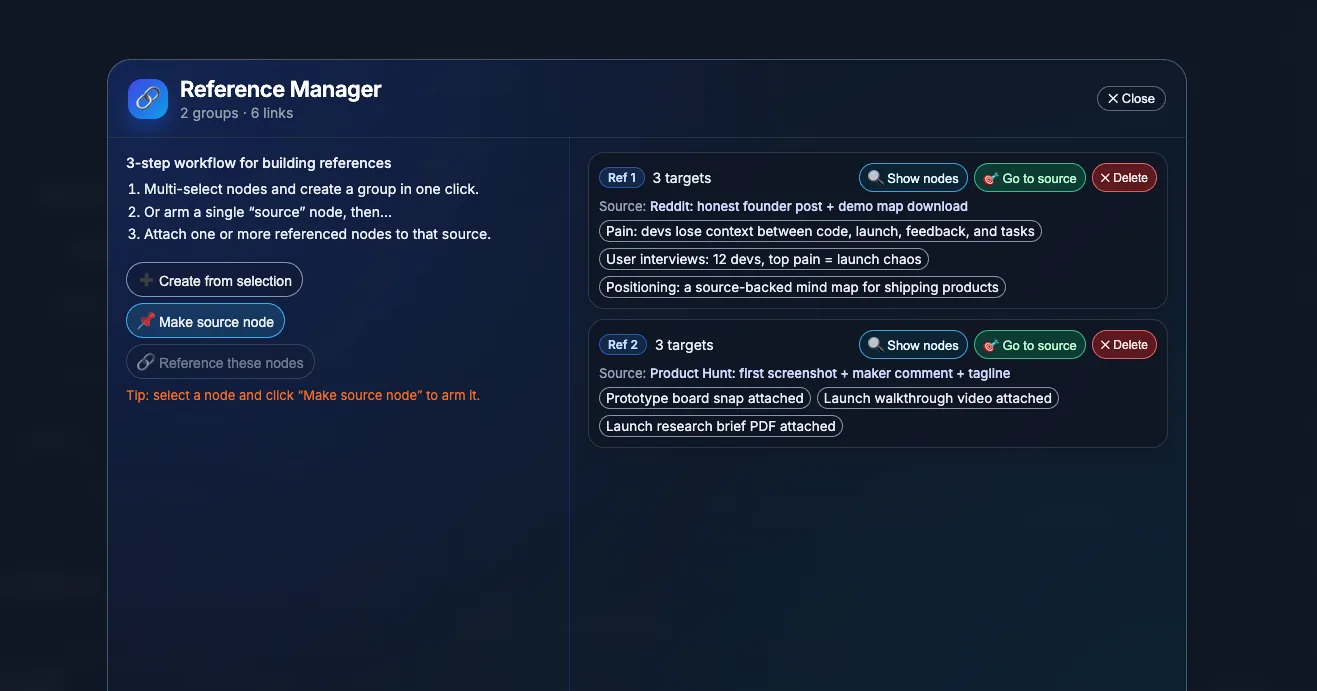
Use Kawn as a visual workspace for studying, product launch planning, books, essays, courses, videos, teaching, long-term learning, and Islamic study as one supported workflow among many.
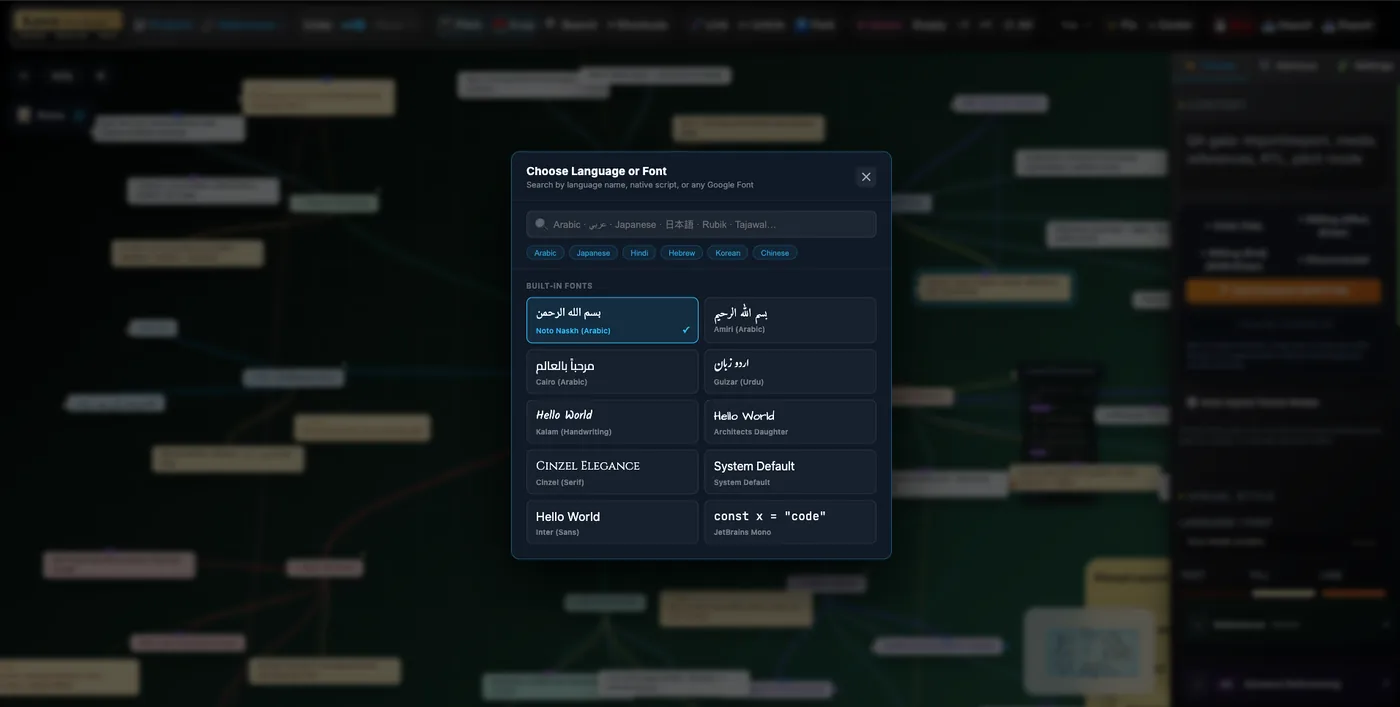
Use Kawn for Arabic, Urdu, English, international research, language learning, teaching, and mixed RTL/LTR notes.
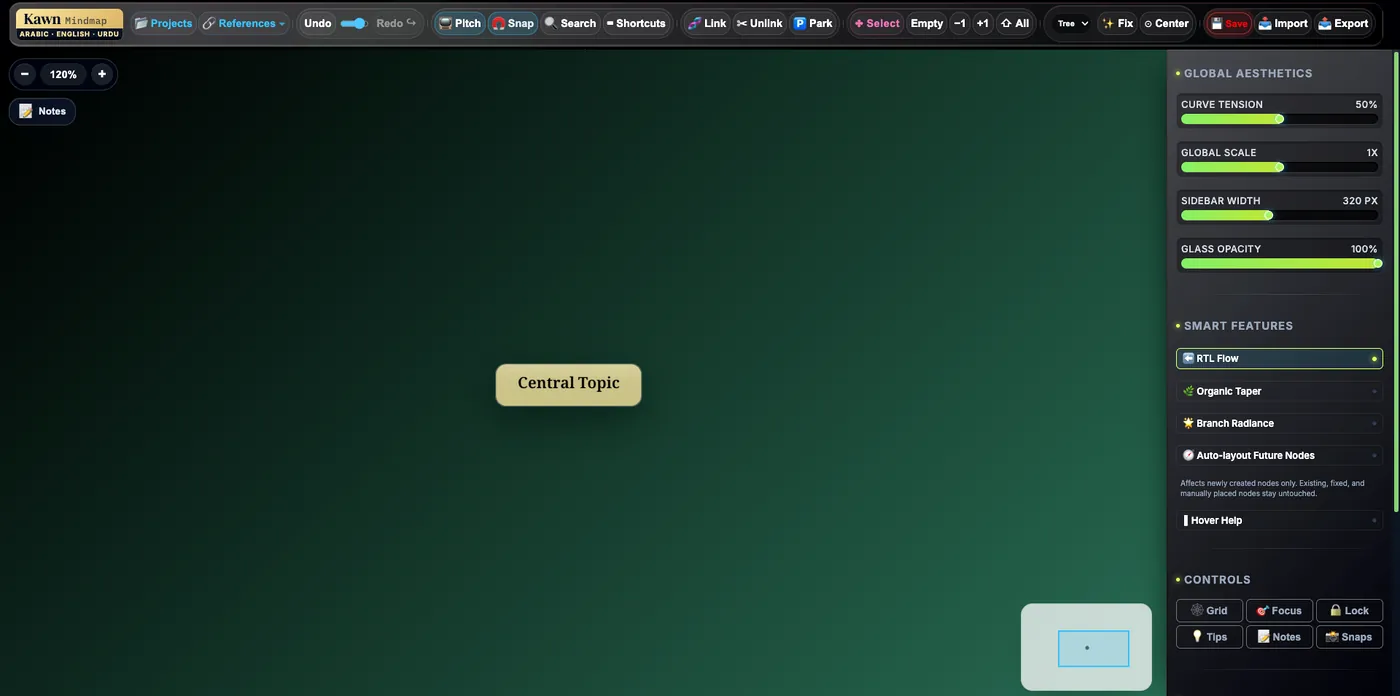
Begin with a research question, product idea, chapter, course module, or launch plan, then add only the branches that make the topic clearer.
Choose a research question, essay, product launch, course, chapter, video, or project plan.
Split the topic into plans, sections, arguments, tasks, sources, examples, and open questions.
Attach the PDFs, documents, images, videos, notes, and source reminders that explain each idea.
Connect related ideas across branches, clean the structure, and use the map to explain the story.
Kawn is useful when your work is bigger than a quick brainstorm: research, product planning, writing, teaching, multilingual study, and long-term knowledge organization.
Normal mind maps are useful for quick brainstorming. Kawn is built for deeper work where ideas need notes, sources, files, multilingual writing, cross-connections, and presentation.
Useful for fast brainstorming, but context can disappear when the topic grows beyond a few branches.
Connect ideas to PDFs, documents, images, videos, examples, contradictions, and supporting notes.
Branches can become isolated even when ideas are related across different parts of the map.
Use the map to show relationships between planning, research, study notes, writing, and presentation paths.
Mixed-language thinking can feel awkward when Arabic, Urdu, and English need to live together.
Create maps for Arabic, Urdu, English, teaching, language learning, Islamic study, and international research.
Plain answers for people comparing mind map apps, research workspaces, project planning tools, and multilingual mind mapping software.
Kawn MindMap is a visual thinking workspace for planning, studying, researching, writing, and presenting ideas with notes, sources, PDFs, documents, images, videos, multilingual writing, and connected thoughts.
Kawn is useful for students, researchers, founders, product builders, writers, creators, teachers, and multilingual users who want more than a simple brainstorming map.
Kawn is designed to keep PDFs, documents, images, screenshots, videos, notes, and sources close to the ideas they support.
Yes. You can use Kawn to plan product ideas, MVP scope, launch tasks, risks, metrics, research, and next actions in a visual map.
Kawn is designed for multilingual thinking, including Arabic, Urdu, English, and mixed RTL/LTR maps.
Kawn can support presentation-focused workflows so you can explain a map like a story instead of rebuilding the same thinking in separate slides.
No. Kawn can be used for brainstorming, but it is designed for deeper work such as research maps, study maps, product planning, writing, and visual knowledge organization.
Open Kawn MindMap when you are ready to plan, study, research, write, or present your next idea visually.